
If you’ve been thinking about creating a digital product, you might be imagining complicated software, expensive tools, or a huge learning curve.
But the truth is…
You can create an entire digital product using Canva.
And the best part?
You don’t need design experience, advanced tech skills, or expensive programs to do it.
Many digital product creators build their first products using Canva because it’s simple, beginner-friendly, and incredibly powerful.
Let’s walk through how it works.
What Is Canva?
Canva is an online design tool that allows you to create all kinds of visual content.
People use it to design things like:
• Social media graphics
• Presentations
• Workbooks
• Planners
• Templates
• eBooks
• Guides
• Digital downloads
Because Canva is so easy to use, it has become one of the most popular tools for digital product creators.
You can literally design a product in Canva and have it ready to sell within a few hours.
Step 1: Choose Your Product Type
Before you open Canva, decide what type of digital product you want to create.
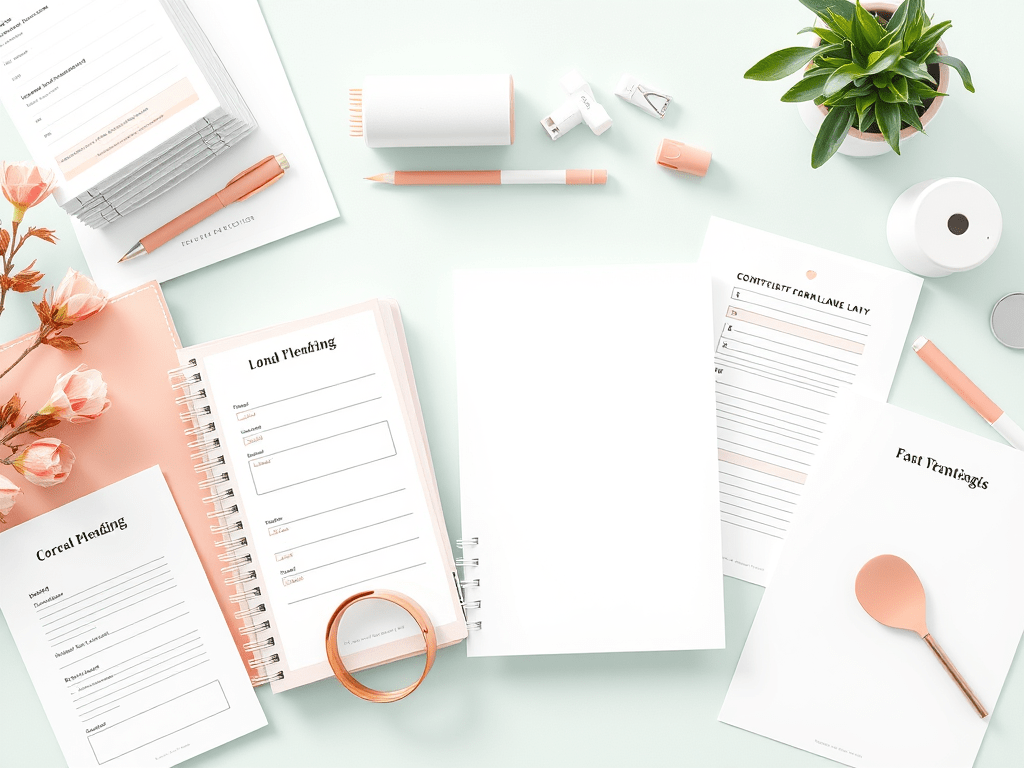
Some beginner-friendly options include:
• Checklists
• Guides or mini eBooks
• Workbooks
• Planners
• Social media templates
• Prompt packs
• Printable resources
These types of products are simple to create but can still provide a lot of value.
Start with something that solves a clear problem.
Step 2: Open a New Canva Design
Once you know what you want to create, head over to Canva and start a new design.
You can either:
Choose a blank document
or
Search for a template that matches your idea.
For example, you could search for:
Workbook
Planner
Checklist
Presentation
eBook
Templates can be a great starting point because they give you a structure to build on.
Step 3: Customize the Design
Now it’s time to turn the template into your own product.
You can customize things like:
• Colors
• Fonts
• Layouts
• Text
• Graphics
• Icons
• Images
Canva makes this extremely easy with drag-and-drop tools.
This is where you start turning your idea into a polished digital product.
Step 4: Add Helpful Content
Your product doesn’t need to be complicated to be valuable.
Focus on making it clear, helpful, and easy to follow.
For example:
A checklist might include step-by-step actions.
A guide might explain a process or strategy.
A workbook might include prompts or exercises.
Think about what would make the product genuinely useful to the person downloading it.
Step 5: Export Your Product
Once your design is finished, Canva allows you to export it in several formats.
Most digital products are downloaded as a PDF.
Simply click Share → Download → PDF and your product is ready to deliver.
This file can then be uploaded to platforms where you sell digital products.
Step 6: Start Selling Your Product
Once your product is created, the next step is making it available to buyers.
Many people sell digital products through platforms like:
• Stan Store
• Etsy
• Gumroad
• Shopify
• Personal websites
You can also promote your product using social media platforms like Instagram, TikTok, or Pinterest.
Your content helps people discover the product and understand how it can help them.

Why Canva Is Perfect for Beginners
One of the biggest reasons Canva is so popular in the digital product space is because it removes so many barriers.
You don’t need:
Graphic design skills
Special software
A large budget
You can start creating professional-looking products almost immediately.
And as you grow, you can continue using Canva to create even more products for your business.
Your First Product Doesn’t Have to Be Perfect
Many people delay starting because they want everything to be flawless.
But the truth is, most successful creators improve their products over time.
Your first digital product is simply the beginning.
The most important thing is learning the process and taking action.
If You Want Help Getting Started
If you’re curious about starting a digital product business, I created a free course and community that walks beginners through the process step by step.
Inside, you’ll learn:
• How digital products work
• What to sell as a beginner
• How people are making money online with digital products
• The simplest way to get started
You can join the free community below
Final Thoughts
Creating a digital product doesn’t have to be complicated.
With tools like Canva, anyone can design a helpful product and start sharing it online.
Start simple.
Focus on helping someone solve a problem.
And remember — every successful digital product creator started with their very first product.

 welcome
Leave a comment